


5 tips for a perfect digital recipe book with Octave
24 July, 2024
In the digital age, saying goodbye to too many cookbooks and scattered recipe cards has never been easier. With Octave, create a perfectly organized digital recipe book that's always within reach.
Here are 5 tips to get the most out of this feature and become a true master of kitchen organization!
- Categorize smartly
Create collections that match your cooking style. Example: Beyond the classic “Appetizers,” “Main dishes” and “Desserts,” think of categories like “30-minute meals,” “Dishes to impress” or “Kids' favourites.” With Octave, you can easily create and edit these categories so they evolve with your needs.
- Use descriptive titles
Create detailed, informative recipe titles. Example: Instead of simply “Roast chicken,” opt for “Roast chicken with herbes de Provence and lemon.” This will let you easily find your recipes and remember what makes each one special.
- Optimize your ingredient lists
Structure your ingredient lists consistently. Example: Group ingredients by type (dairy, vegetables, spices) or by preparation step. This will make your recipes easier to read and your shopping lists easier to put together.
- Add photos and videos
Add visuals to your recipes for more inspiration. Example: Take a photo of your successful dish or add a link to a tutorial video. Octave makes it easy to attach media to your recipes, making your recipe book more lively and inspiring.
- Sync with your meal planner
Link your recipes to your Octave meal planner. Example: By building your favourite recipes into your weekly planning, you greatly simplify putting together your shopping lists and organizing your meals. Octave automatically connects your recipes with your planner.
With these 5 tips and the power of Octave, your digital recipe book will quickly become your best ally in the kitchen. Not only will you save time and space, but you'll also rediscover the joy of cooking with flawless organization. So, ready to revolutionize your kitchen with Octave?
Download Octave now and start creating your perfect digital recipe book! Don't forget to share your own tips in the comments below.
Put these tips into practice
Get the whole family organized with Octave
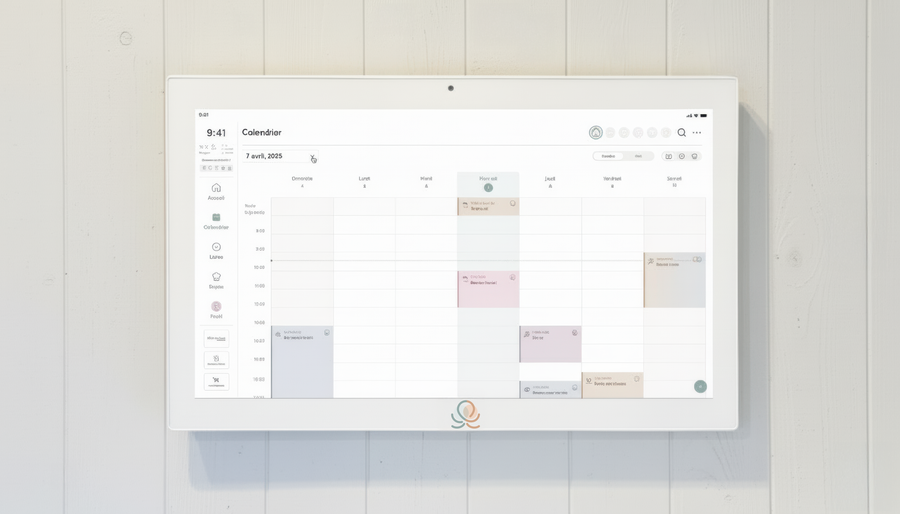
Meals, chores, the calendar and routines for the whole family in one place: on everyone's phone and on the Station on your wall.
The app is free on iOS and Android.